Product Design
How We Feel on Apple Watch
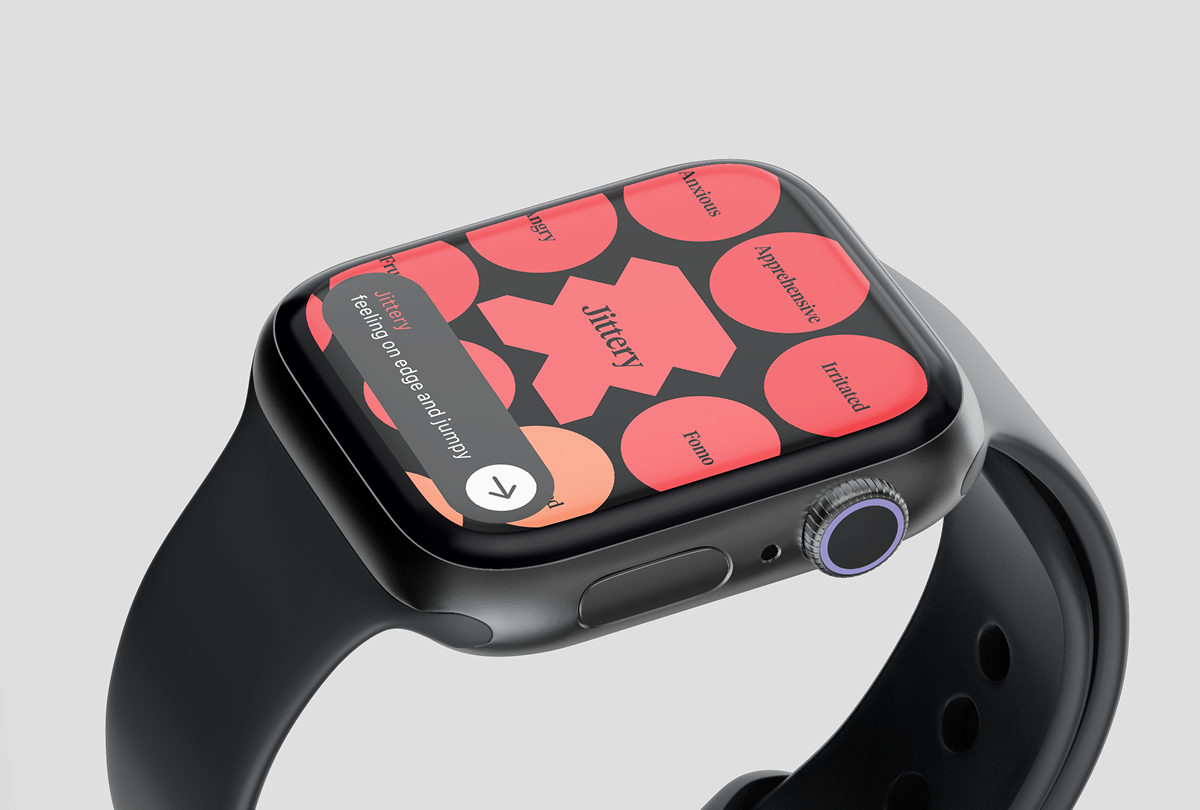
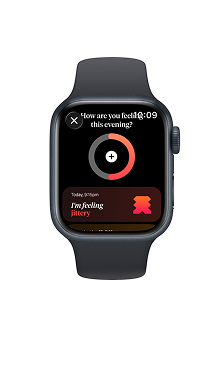
A concept study on what How We Feel (the emotional reflection app) might look like on watchOS — built as a personal design challenge to explore how meaningful, introspective UX could live on a smaller device.
- is a quick check in better than no check in? how can meaningful reflections be made easy and accessible?
- what is the tradeoff between ease of use on a smaller screen and access to the entire library of emotions?
- imagining the current How We Feel design system on a smaller scale
Process
1. Created and reimagined full component library in line with existing design language for a seamless interaction between iOS and watchOS.
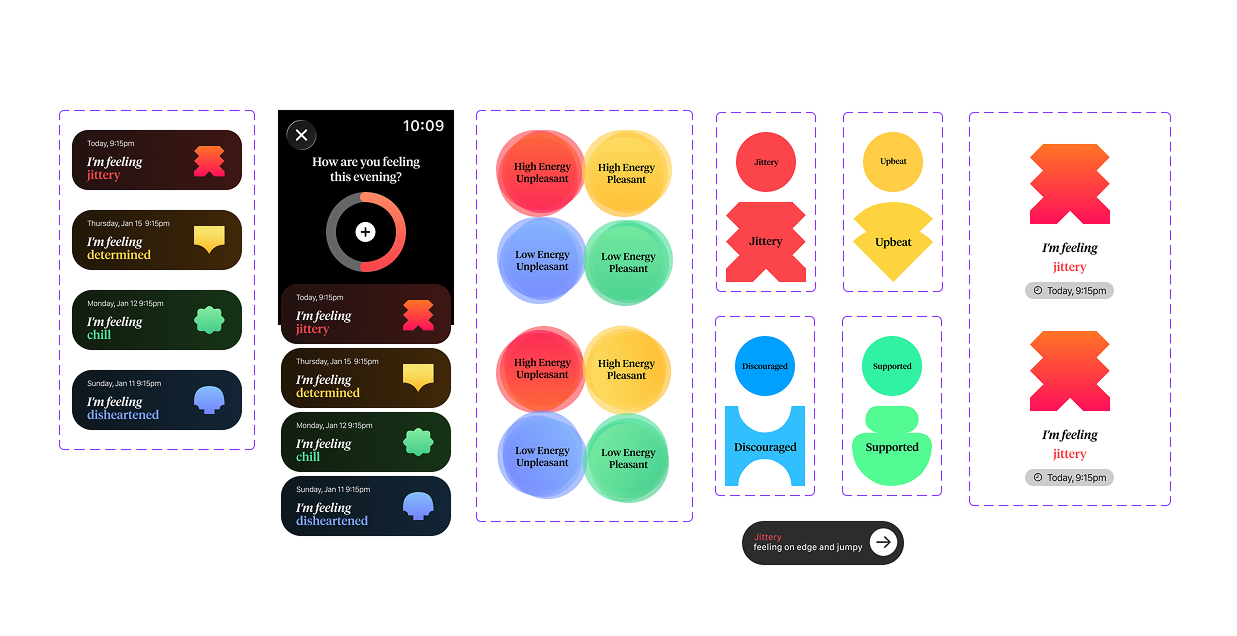
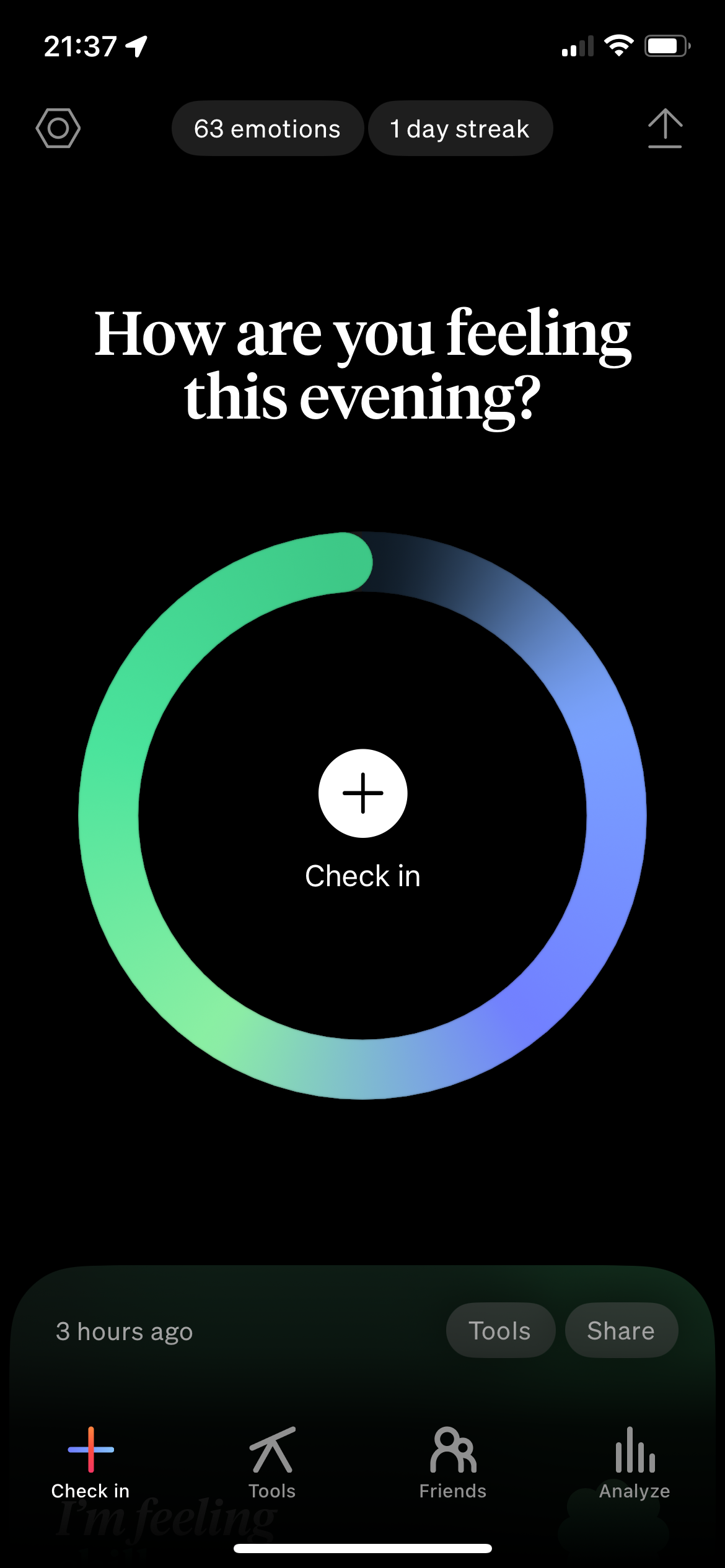
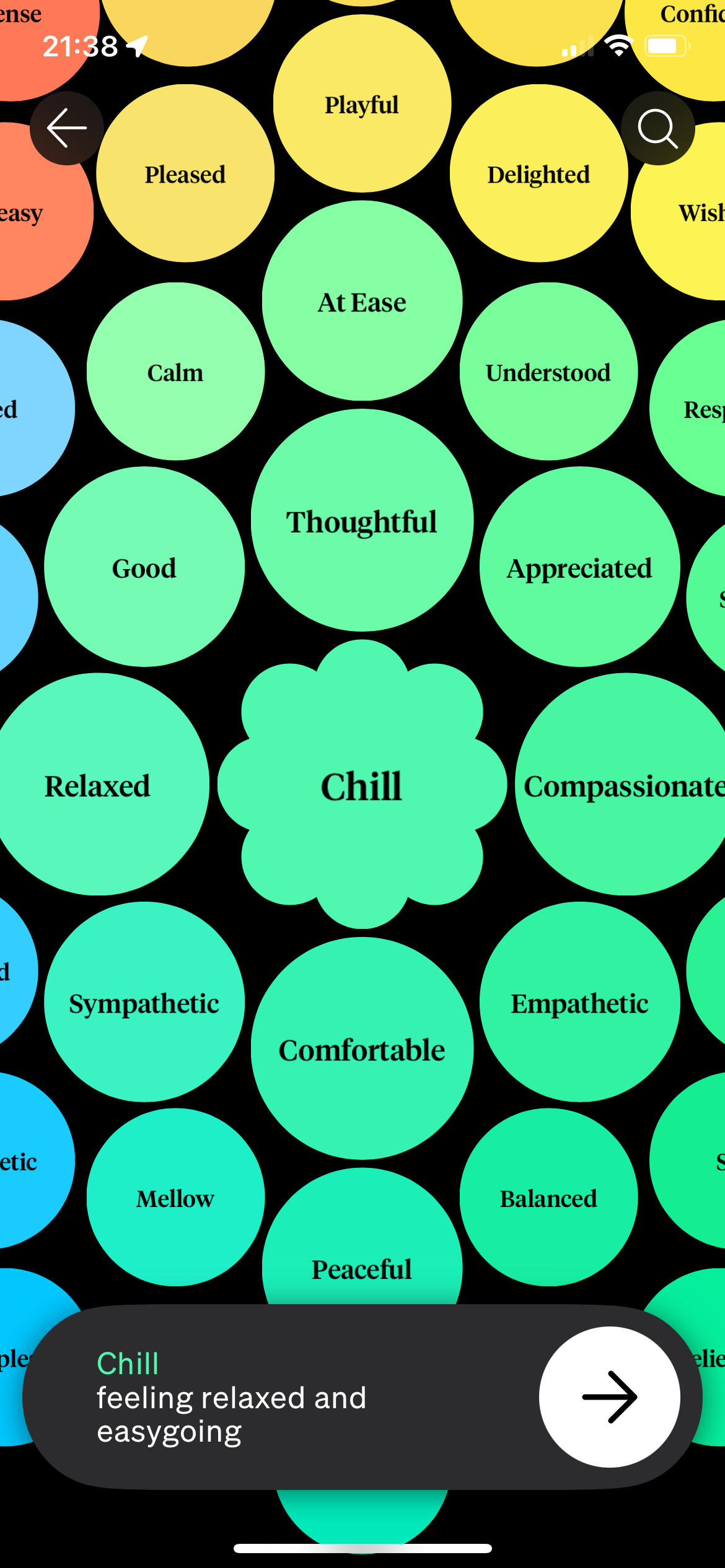
left: reimagined watchOS components, right: existing iOS screens
2. Parsed down emotion library based on user's most frequent emotions for relevance and ease of access on a smaller screen.
emotion selection — prioritized for watchOS
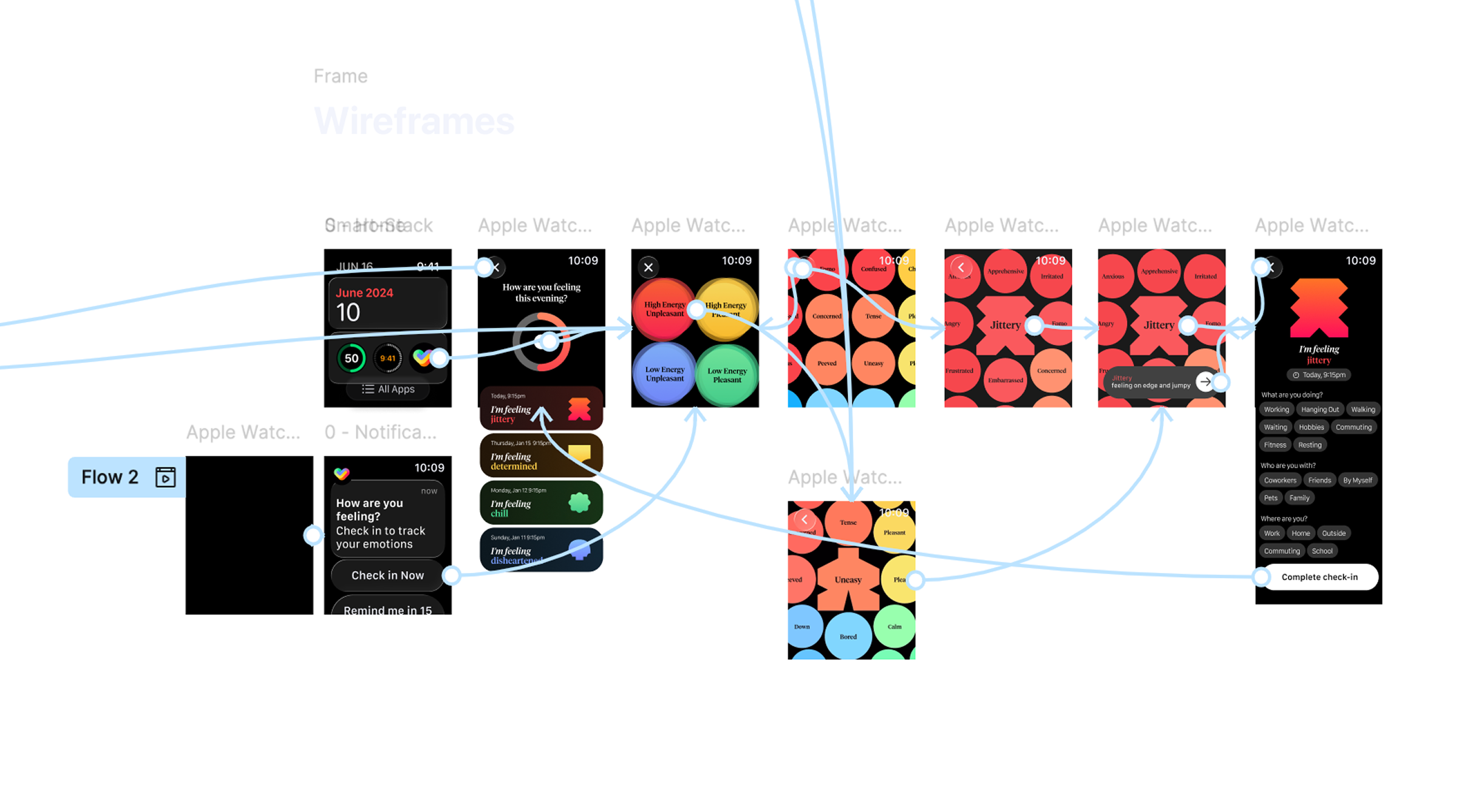
3. Created high fidelity, fully interactive prototype.
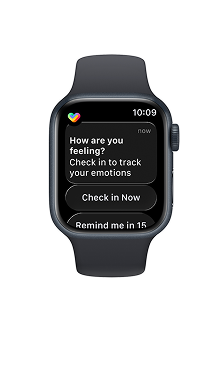
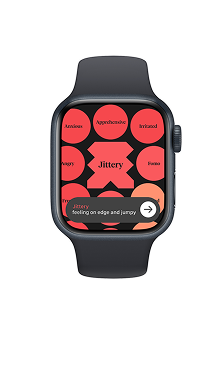
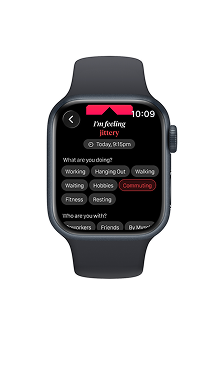
4. Rendered visuals demonstrating how encouraging consistent, quick check-ins when a user is unable to complete an in-depth reflection supplement iOS app experience and help contribute to a richer dataset.
Key Achievements
- Component library in line with existing design language
- Emotion selection optimized for smaller screen
- Fully interactive high-fidelity prototype
- Visual identity consistent with the HWF brand